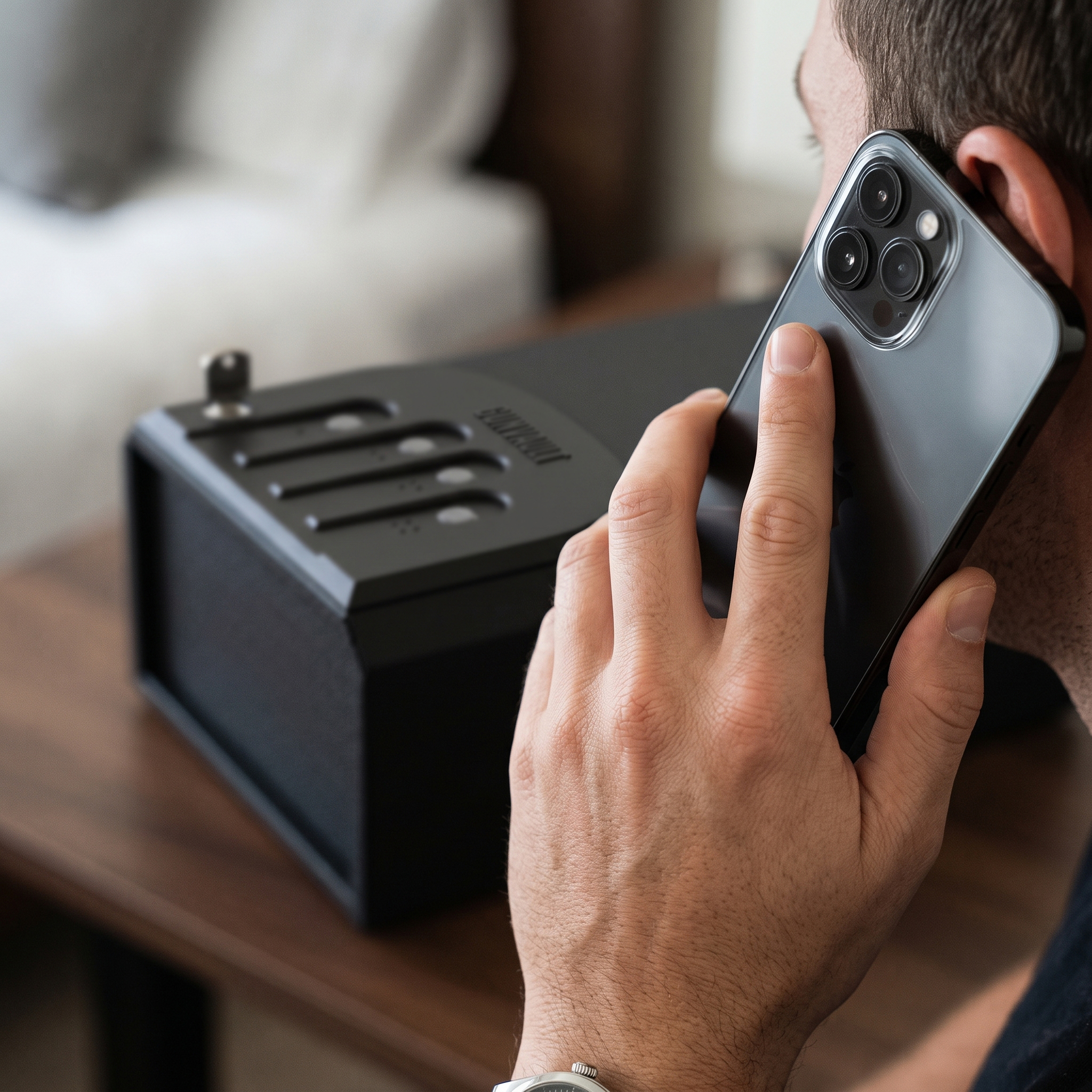
GunVault Key Replacement
Losing a GunVault backup key does not mean replacing the safe. GunVault provides a key-replacement process for eligible models, but ownership information must be verified before a replacement can be issued.
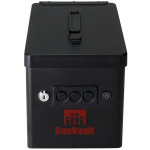
Begin by locating the model number and serial number for your GunVault. The serial number is required for key-replacement orders and may be found on a label, inside the unit, or in the documentation, depending on the model. Record the information exactly as displayed.
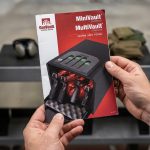
GunVault requires the unit to be registered before a replacement key can be provided. If you have not registered it, visit the Product Registration section on GunVault.com and complete the required information. You will need to submit a copy of your photo identification so GunVault can process the request and help protect against unauthorized key orders.
Follow the instructions on the key-replacement or registration form. Provide contact, product, and ownership information, and include proof of purchase if requested. Availability, processing time, documentation requirements, and fees may depend on the product and circumstances. Some discontinued models may have limited replacement-key availability.
For security reasons, never post your serial number, key code, access code, receipt, or identification publicly. Submit sensitive information only through GunVault’s support process.
After receiving the new key, test it while the GunVault is open and empty. Store the replacement and any backup key in a secure location separate from the vault. Keeping your GunVault registered and maintaining accurate ownership records can make future key, part, warranty, and customer-support requests faster and easier.